

Crews 101: set up your ride-or-dies once
The fastest Kismet activities skip the invite step almost entirely — because the crew already exists. Crews are saved groups of your people, and building them well is the highest-leverage minute you’ll spend in the app.
Friends first
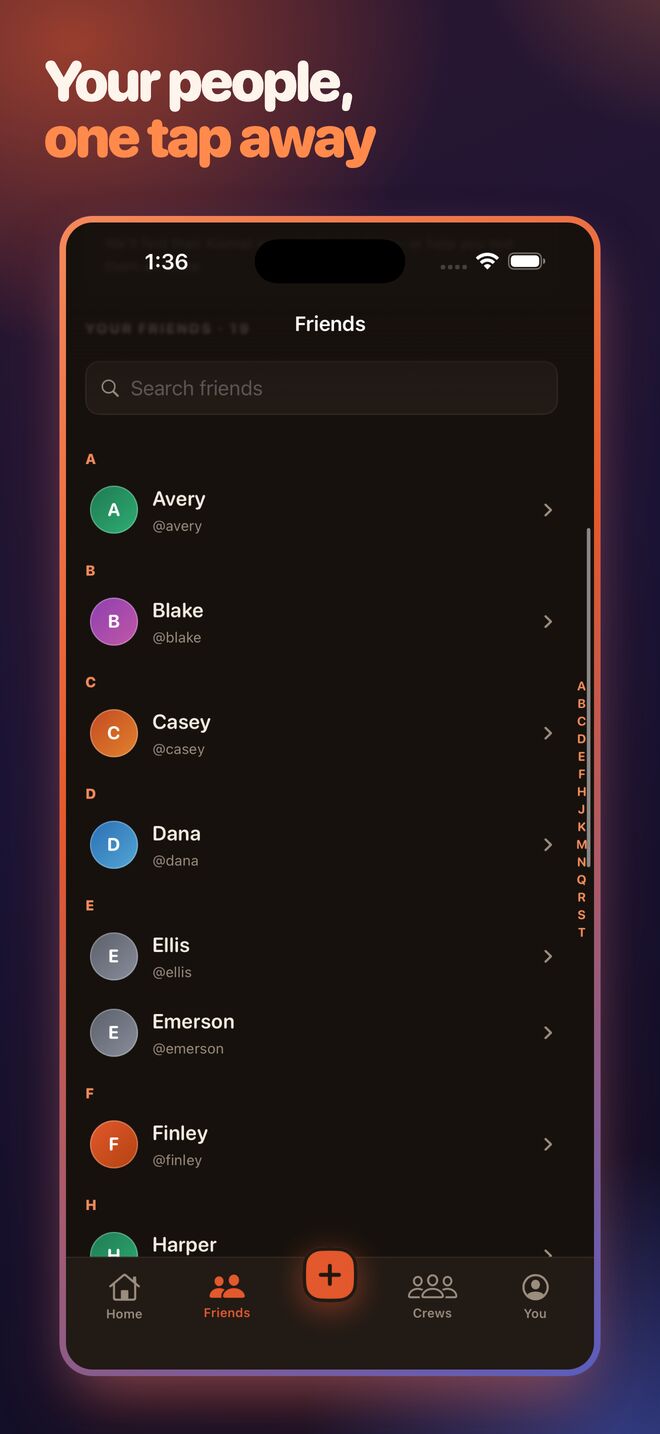
Add friends by exact username or phone number — including straight from your contacts. (There’s deliberately no browsing or fuzzy people-search: you find the people you already know, and nobody gets discovered by strangers.) Friend requests confirm both sides; profiles carry the name, handle, and avatar you’ll see on every roster.
Then crews
A crew is a named circle — “Ride or Dies,” “Brunch Bunch,” “Trip Squad” — that you invite with one tap when starting an activity. Members join, the roster fills, and the activity is live before the group chat would have finished saying “who’s in?”
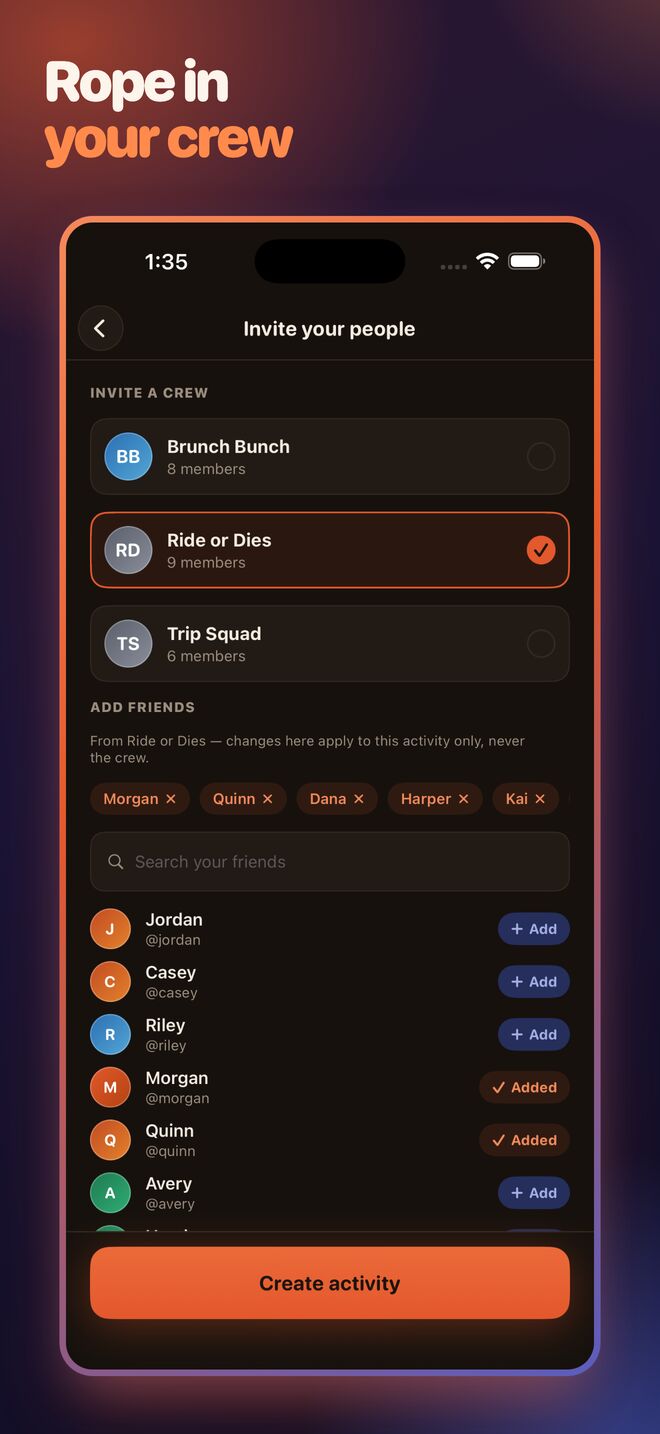
Split crews by decision, not by friendship
The best crews map to kinds of nights, not social circles:
- The default crew — the people in most of your plans. Your everyday draw.
- The food crew — the ones with opinions about omakase. Restaurant nights live here.
- The trip squad — the passport-ready subset. Destination draws only.
Same friends can be in all three. The point is that “start a movie night” never again includes the step “scroll the invite list wondering if Priya cares about movies.”
Mixing crews, friends, and guests
Every activity can layer all three: a crew in one tap, a couple of individual friends, and a share link for the friend-of-a-friend without the app. The roster shows everyone the same way — because at draw time, everyone’s pick weighs the same.
Build the crew once tonight; every future fate gets faster. Start here.